Upload the original
Add a Blender, FBX or 3ds Max file, your textures and a reference render. Keep the original scene intact.
RESEARCH PROTOTYPE / 01
A workspace for your 3D scenes and revisions. Upload your project, describe the changes and keep everything together for the next version.
Open your scenePrivate test. Access key required.
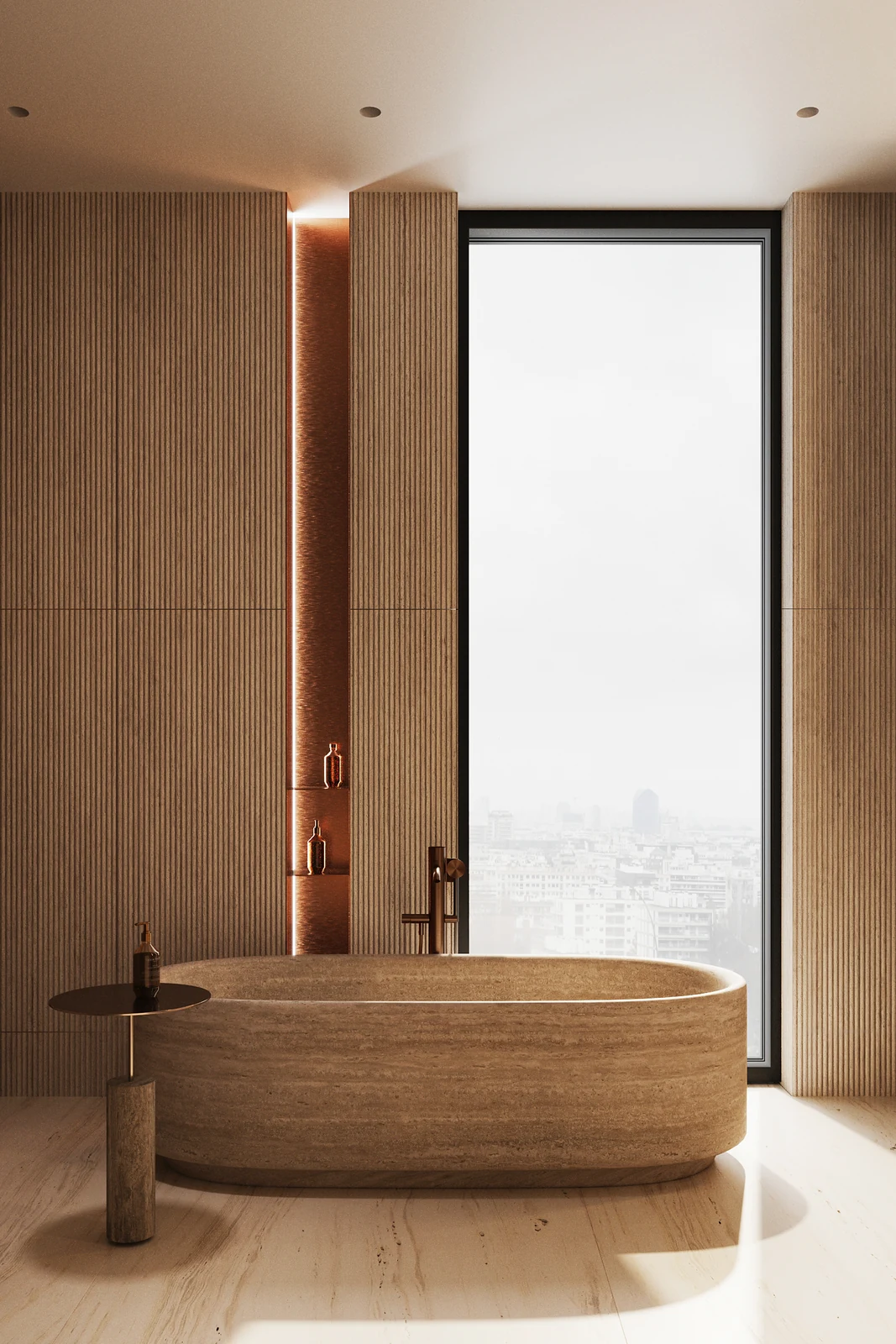
Compare the original and replacement bath and vanity.
Interactive scene · 9 MB · loads when you choose
ONE PROJECT. ALL THE CONTEXT.
Add a Blender, FBX or 3ds Max file, your textures and a reference render. Keep the original scene intact.
Tell us what to change and what to preserve. Your instructions stay with the project.
Move objects, test materials and download your saved scene as Blender or FBX. Keep the original and the revision together.
Explore the sample scene in 3D. In the workspace, move objects, enter positions in millimetres and apply textures. Browser materials are a preview. Request an AI revision with SOL Latest in the workspace. Your Mac runs OpenCode and Blender to prepare a separate result.