YOUR WORKSPACE
Start with
your scene.
Scene files, textures and revision instructions.
Together in a private workspace.
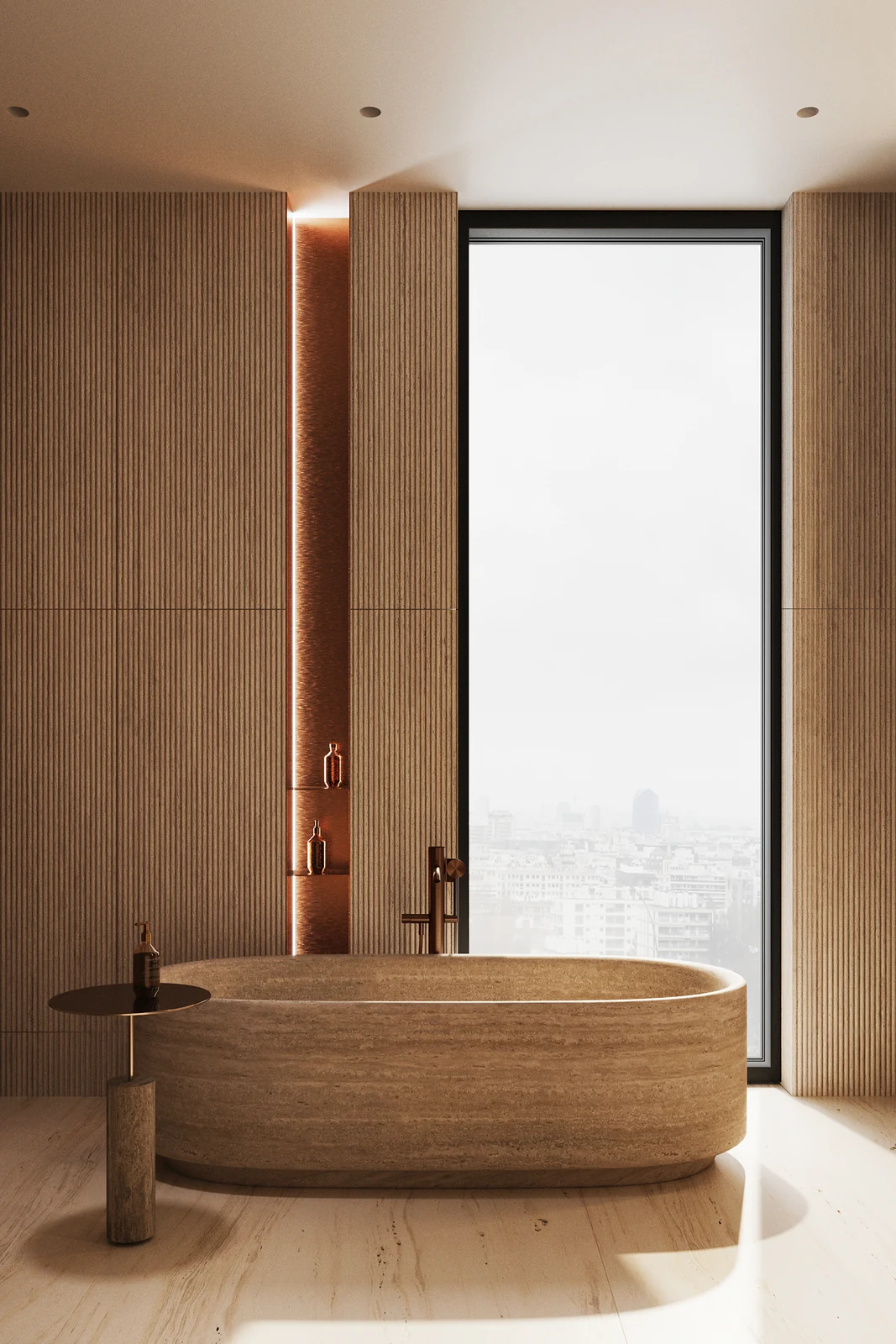
WORKSPACE / CHUMA
Your scenes
Move objects and test materials in the sample scene, or upload your own project. Ask SOL Latest to edit a saved scene, then review a separate result.
Scene editor
Look around your scene. Add a texture below when you are ready.
Add a texture
Left and right follow your current view. Preview the highlighted wall before applying.
Real size covered by the entire image, not the wall size. For an image of one 600 × 600 mm tile, enter 600 and 600.
Upload an image, then describe the wall.
Blender and FBX exports are prepared on your Mac from the saved scene. Your original stays intact. Millimetres follow the source scene units; imported dimensions must be checked.
Add your scene
Choose a file. We will prepare it and open the 3D scene automatically.
SAVED PROJECT
Your 3D scene
Preparing your file. The editor will open automatically.